1
 →

The 1st Collaborative AI Design Agent Workspace. Local-first and open source. Create motion, prototypes, websites, apps, dashboards, presentations, images, and videos with your team and AI agents.
nexu-io/open-design is an open-source project on GitHub, mainly written in TypeScript. The 1st Collaborative AI Design Agent Workspace. Local-first and open source. Create motion, prototypes, websites, apps, dashboards, presentations, images It currently holds 104,785 stars and 11,959 forks with 1,306 open issues, and was last pushed on 2026-10-29 (repository created 2026-04-28).
Git Homed tracks it on the AI Agent Skills Trending board and on the AI AI Agent Skills Trending list.
✨ Celebrating 100K GitHub stars with OpenDesign Go — Go credits are doubled: $8 for your first month, with up to $120 in monthly credits for eligible Design Plan models. Use them across 10+ models, including GPT-6 Luna, DeepSeek V4.1 Flash, GLM-5.3 Flash-X, and MiMo V2.6 Flash. All personal plans include API access for Codex, Claude Code, DSH, OpenCode, and more.
Website · Download · OpenDesign Cloud · Discord · Follow @OpenDesignHQ

English · Español · Português · Deutsch · Français · 简体中文 · 繁體中文 · 한국어 · 日本語 · العربية · Русский · Українська · Türkçe · ภาษาไทย
---
OpenDesign is the 1st collaborative AI design agent workspace. Start with a brief, then use your coding agent or OpenDesign Cloud to create a prototype that follows your design system. Share it with your team for feedback, and let your agent refine it in the same project.
That workflow is open and extensible. OpenDesign is licensed under Apache 2.0 and gives teams skills, design templates, design systems, and plugins they can inspect and adapt to their own process.
---
 Home — start with a brief or an example. |
 All projects — revisit design systems, media, and prototypes. |
 Design Systems — inspect brand assets and refine them with an agent. |
 Plugins — find skills and launch them with Try it.
|
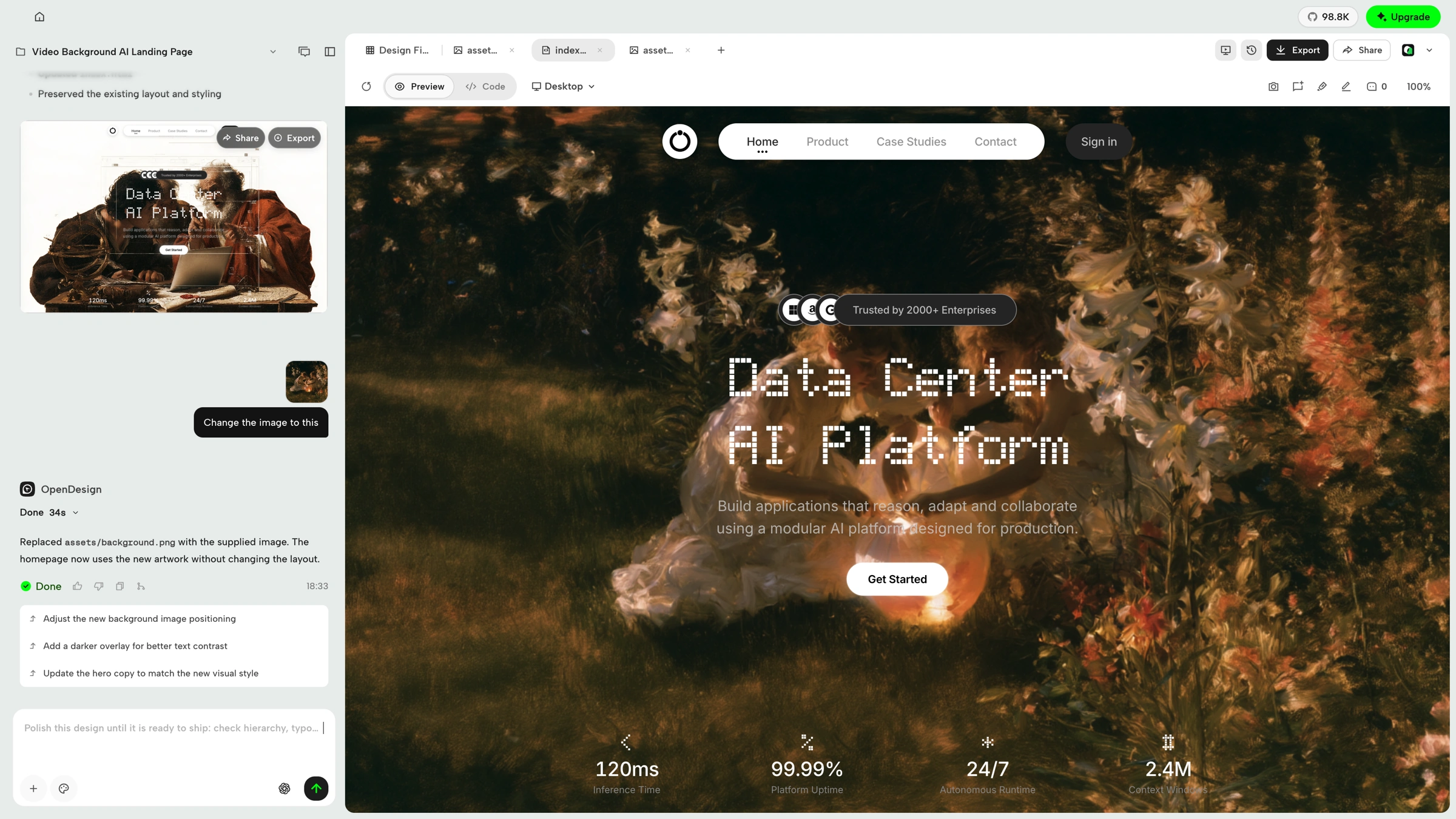 Prototype — build and refine interactive web experiences with your agent and live preview. |
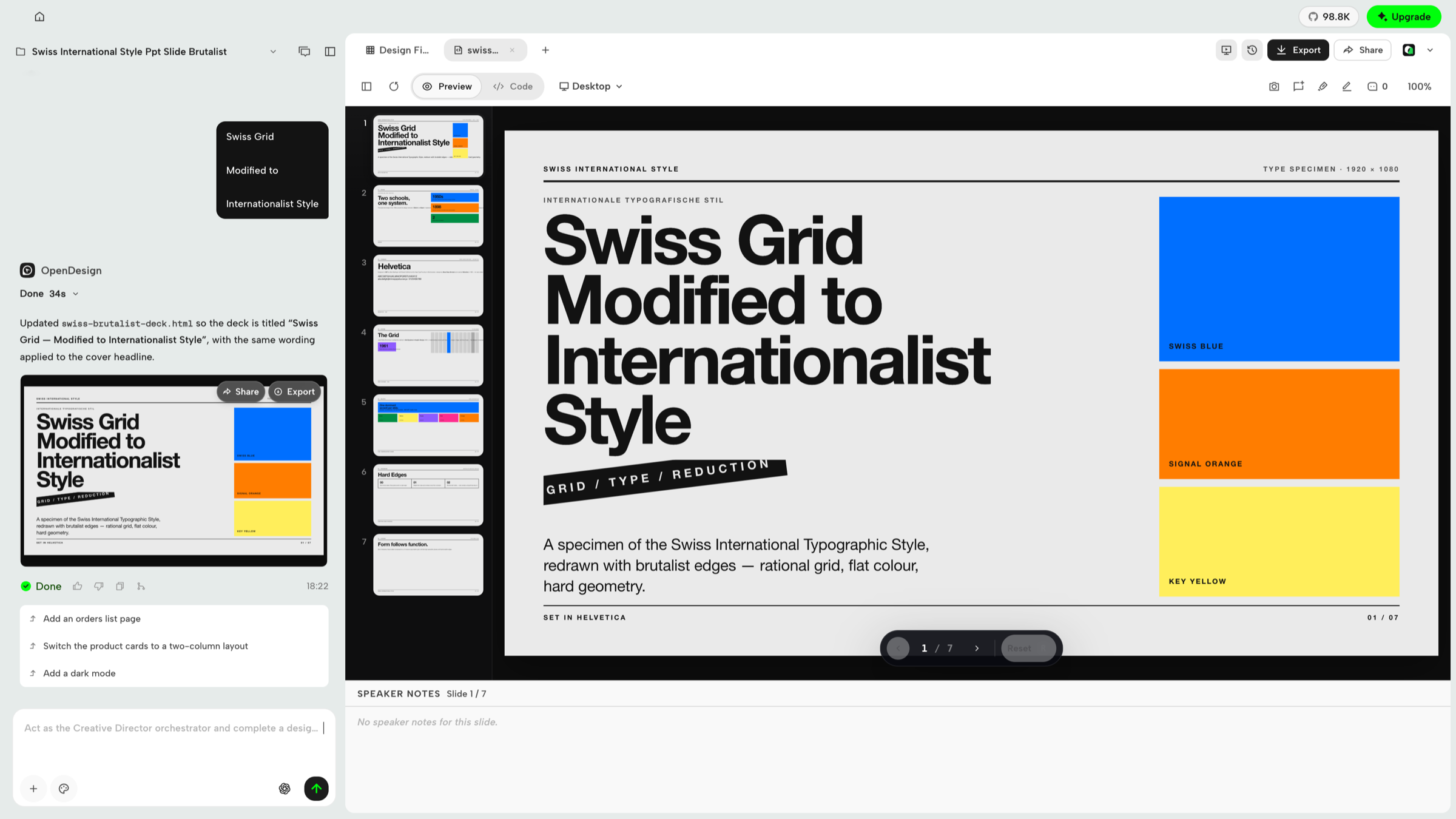 Slides — create decks, review slides and speaker notes, and export when ready. |
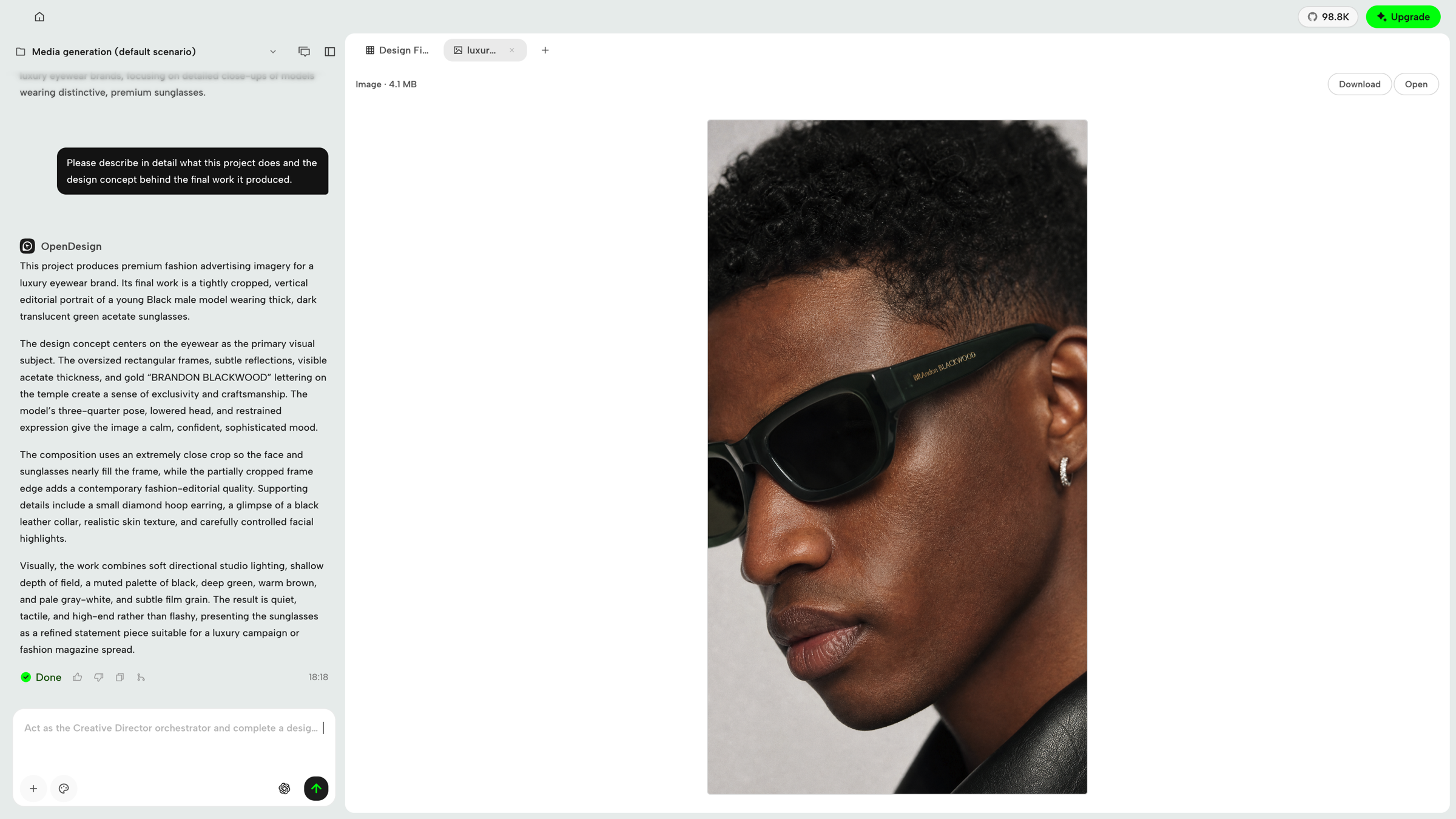 Image — generate visual assets from the conversation, inspect the result, then download or open it. |
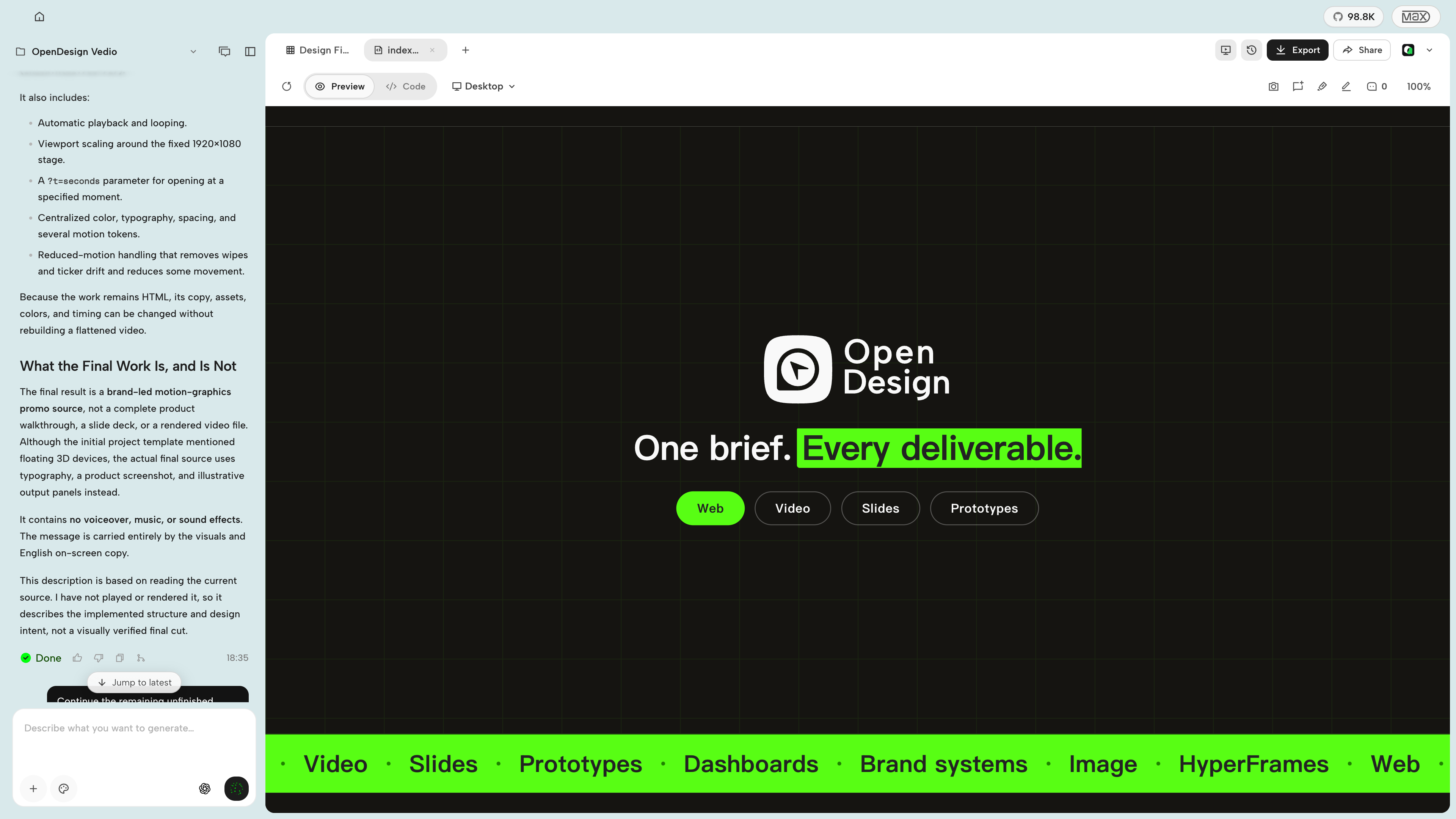 HyperFrames — create motion graphics with your agent and export to MP4. Watch the video. |
---
OpenDesign connects to mainstream coding agents in two ways: skills, CLI, and MCP for agents that consume OD, plus native runtime adapters for agents that OD launches directly. DeepSeek Harness is a first-class native runtime through the official dsh CLI, with structured streaming, model discovery, cancellation, and session resume.
| Coding agent / platform | Status | Quick setup |
|---|:---:|---|
| Claude Code | ✅ Supported | od mcp install claude |
| Claude Desktop | ✅ Supported¹ | od mcp install claude-desktop |
| Codex CLI | ✅ Supported | od mcp install codex |
| DeepSeek Reasonix | ✅ Supported | od mcp install reasonix |
| DeepSeek Harness | ✅ Native runtime | od agent setup deepseek-harness |
| Raven | ✅ Supported | od mcp install raven |
| Cursor | ✅ Supported | od mcp install cursor |
| VS Code + GitHub Copilot | ✅ Supported | od mcp install copilot |
| GitHub Copilot CLI | ✅ Supported | od mcp install copilot |
| OpenCode | ✅ Supported | od mcp install opencode |
| OpenClaw | ✅ Supported | od mcp install openclaw |
| Antigravity | ✅ Supported | od mcp install antigravity |
| Cline | ✅ Supported | od mcp install cline |
| Trae | ✅ Supported | od mcp install trae |
| Kimi CLI | ✅ Supported | od mcp install kimi |
| Kiro | ✅ Supported | od mcp install kiro |
| Pi Agent | ✅ Supported | od mcp install pi |
| Mistral Vibe CLI | ✅ Supported | od mcp install vibe |
| Hermes Agent | ✅ Supported | od mcp install hermes |
For DeepSeek Harness, install the official dsh CLI first, then select it in OpenDesign or run od agent setup deepseek-harness to install/repair OD's connection component. For MCP integrations: od mcp install --print for a dry-run preview · --uninstall to remove · full list with od mcp install --help.
¹ Automatic MCP configuration for Claude Desktop is currently supported on macOS and Windows only.
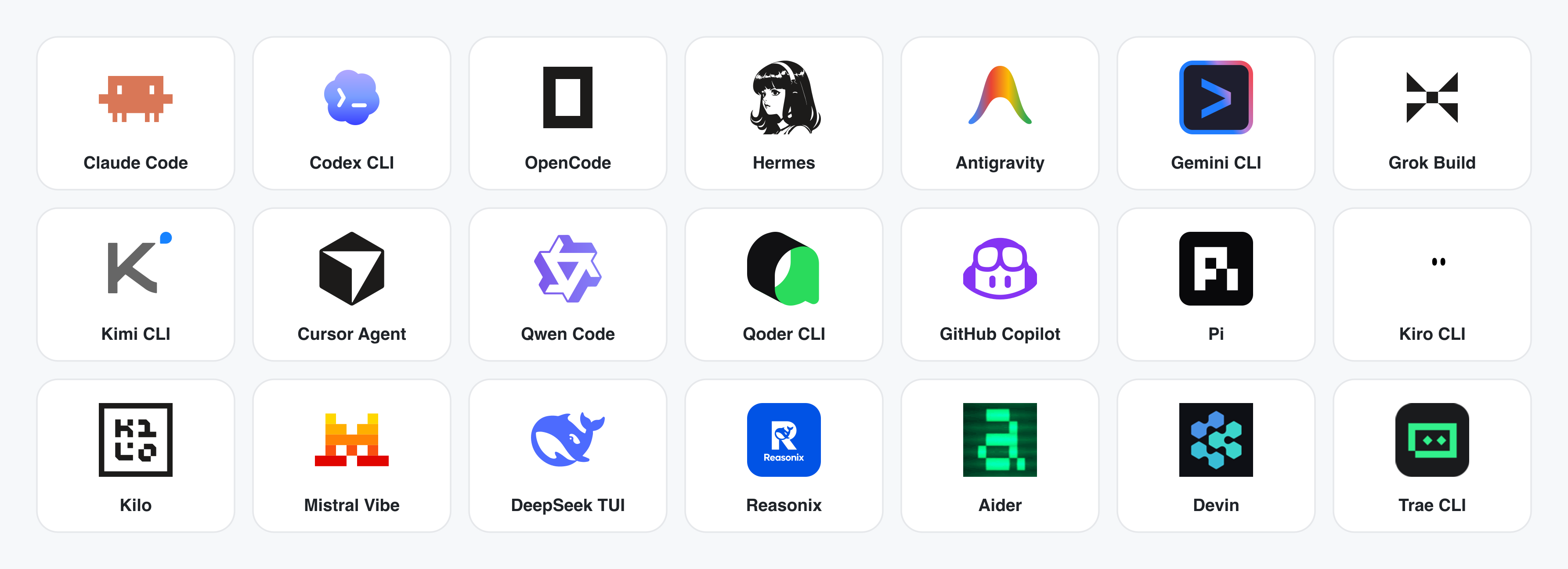
No CLI installed? The BYOK proxy at POST /api/proxy/{anthropic,openai,azure,google,ollama,senseaudio}/stream gives you the same loop (no process spawn) — paste baseUrl + apiKey + model, with presets for OpenAI, Atlas Cloud, Anthropic, Azure OpenAI, Google Gemini, Ollama, LM Studio, vLLM, or any OpenAI-compatible endpoint. Atlas Cloud uses https://api.atlascloud.ai/v1 with your own key and OpenAI-compatible model ids such as qwen/qwen3.5-flash. Per-target SSRF protection blocks internal IPs / link-local / CGNAT at the daemon edge.
Runtime definitions live in apps/daemon/src/runtimes/defs/, with registration and shared stream handling under apps/daemon/src/runtimes/. See docs/agent-adapters.md for the adapter contract.
---
Four core product categories, all rendered by a coding agent running on your laptop. Click a thumbnail to see the real example.
The default output surface. Single-page HTML artifacts that read your DESIGN.md and render in a sandboxed iframe.
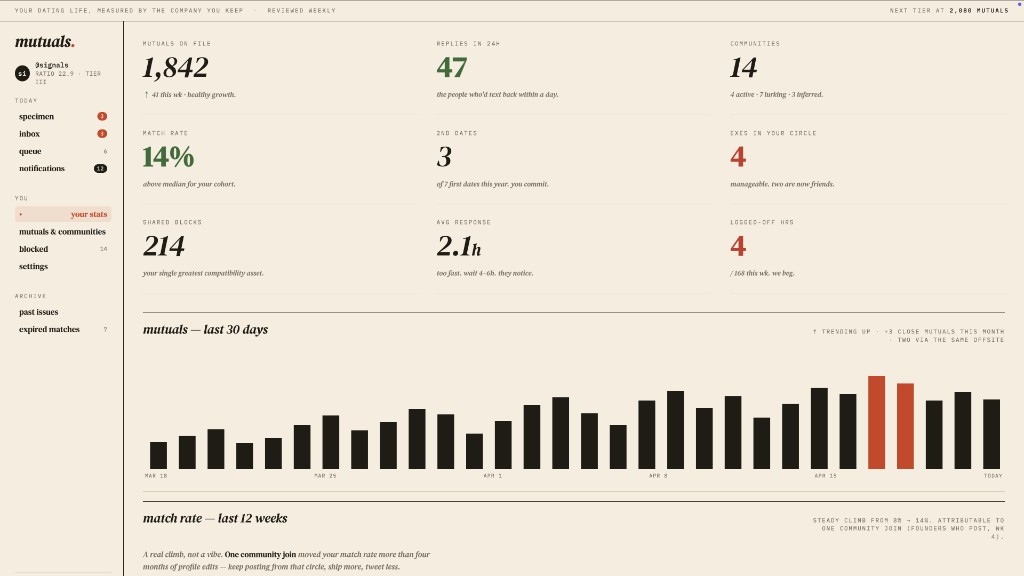 Web prototype — an editorial dashboard with scrollbars, KPIs, and charts. Rendered straight from design-templates/dating-web/.
|
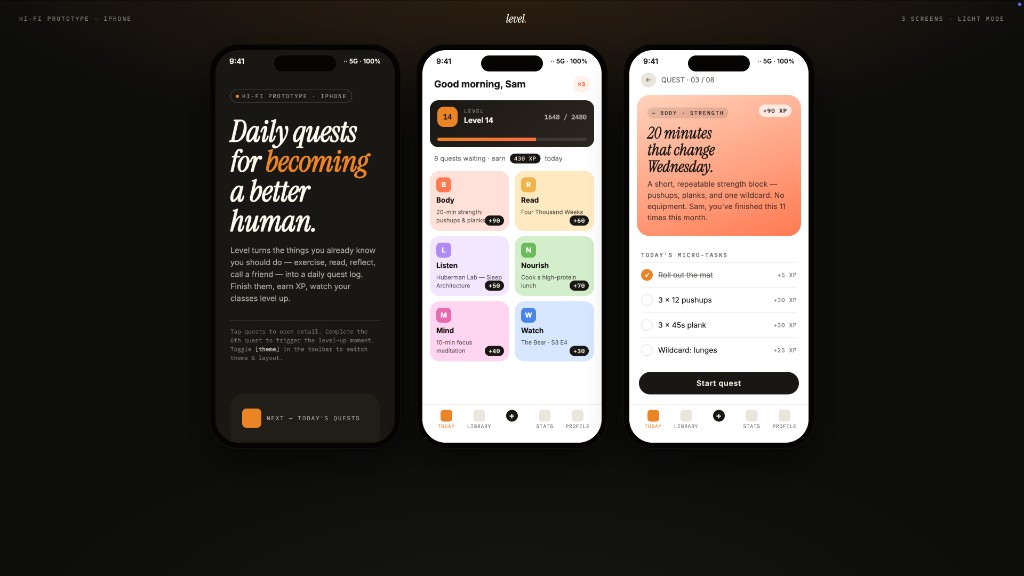 Mobile app prototype — a three-screen gamified flow with XP ribbons and quest detail. Hand off straight to Cursor / Codex / Claude Code to turn into React/Next/Vue. |
Live dashboards, decision rooms, KPI walls — single-page artifacts that pull data through a tweaks panel and stay editable in place.
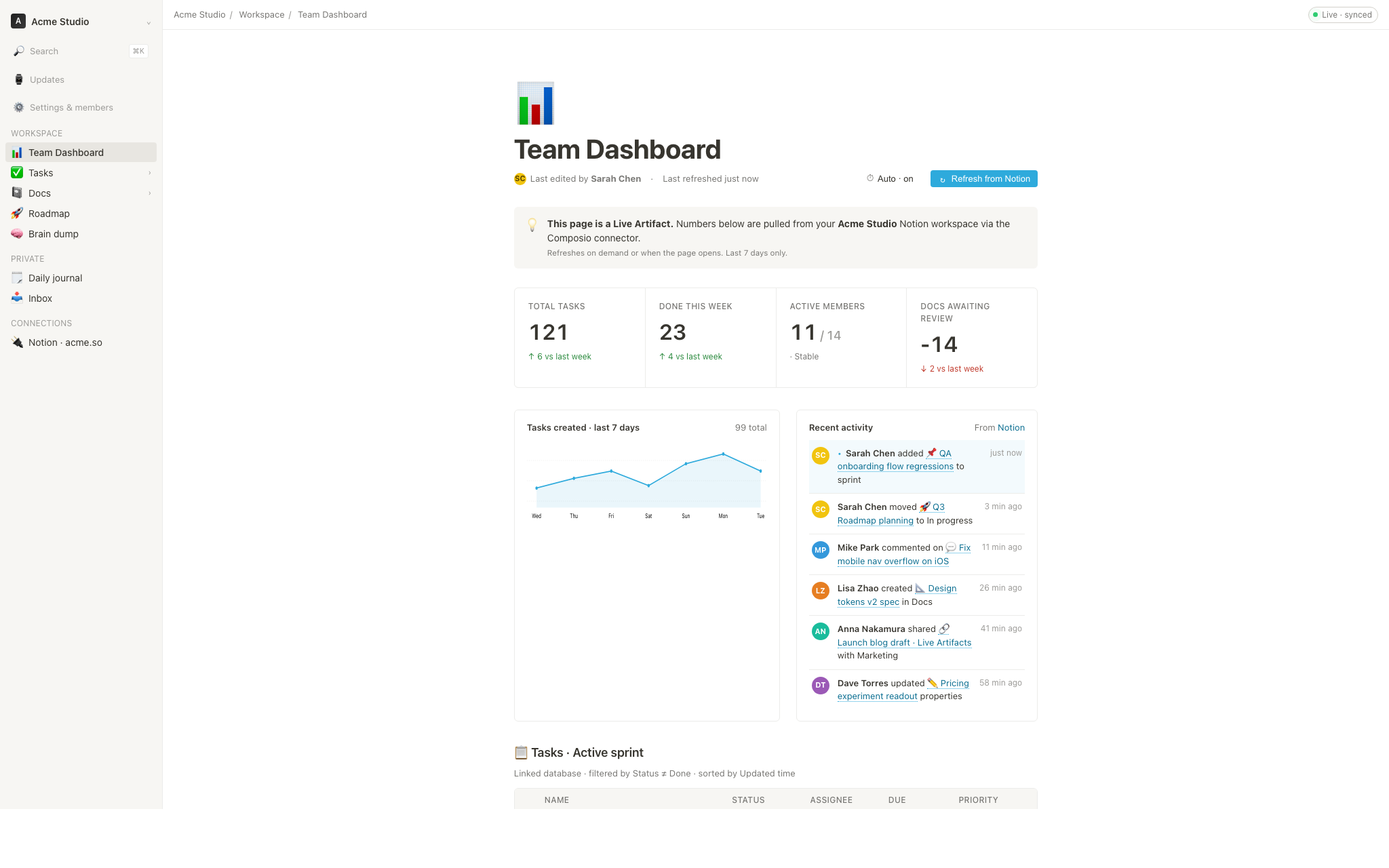 Live dashboard — an editable KPI wall whose tweaks panel surfaces the parameters worth nudging. The agent emits a manifest, and the iframe re-renders without a reload. |
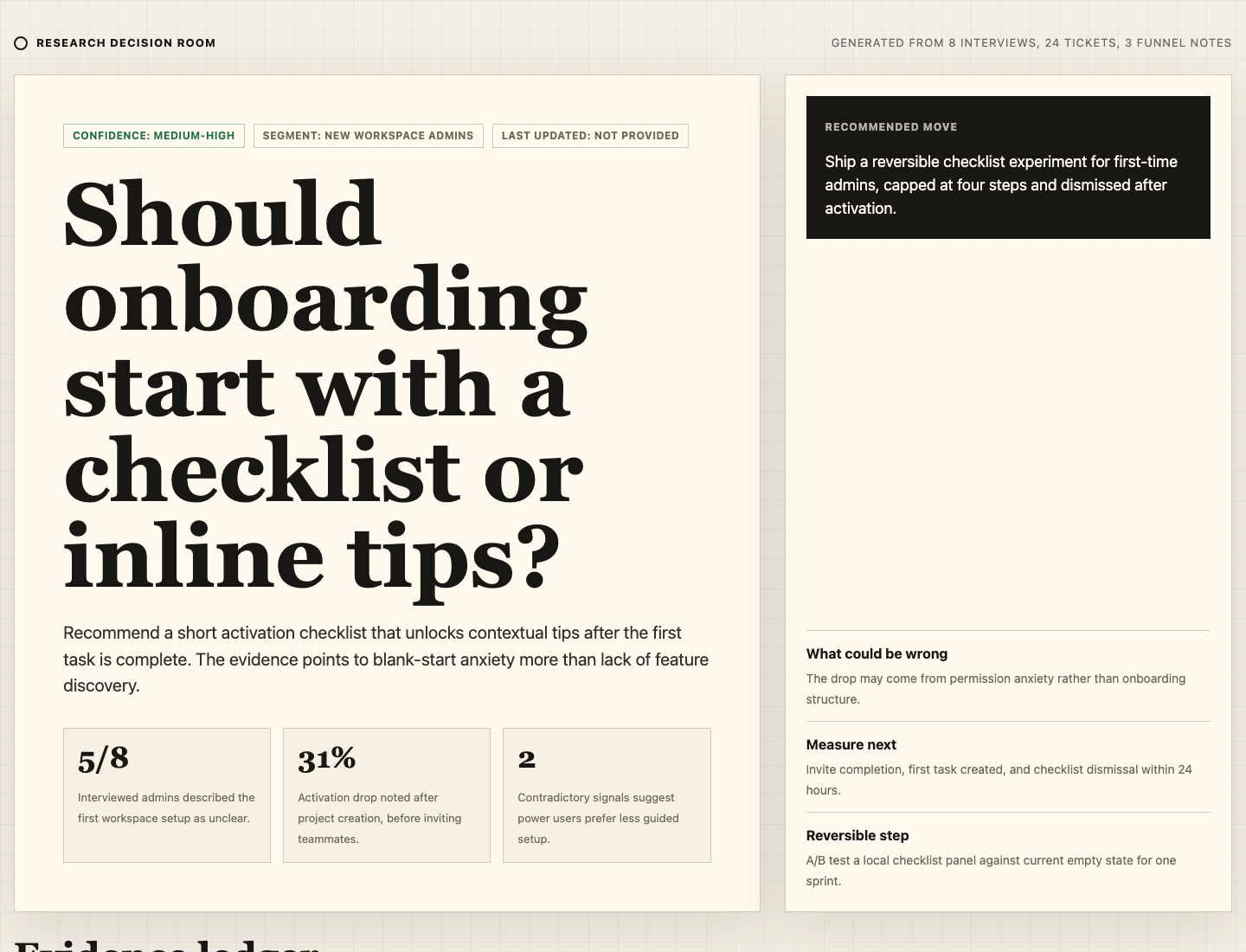 Decision room — a multi-source briefing artifact for product / research / ops meetings. |
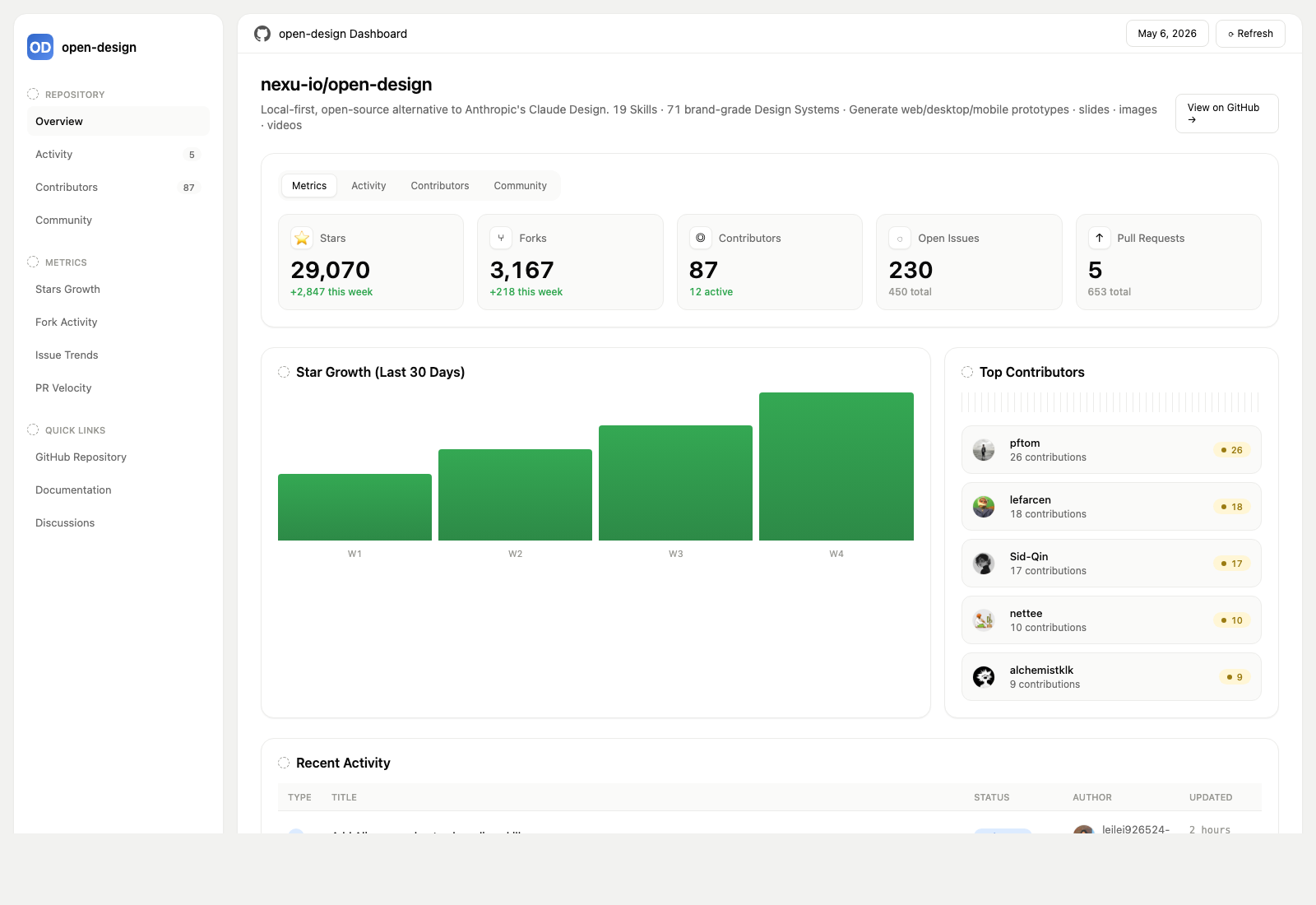 GitHub-style dashboard — repo metrics presented as a live artifact. |
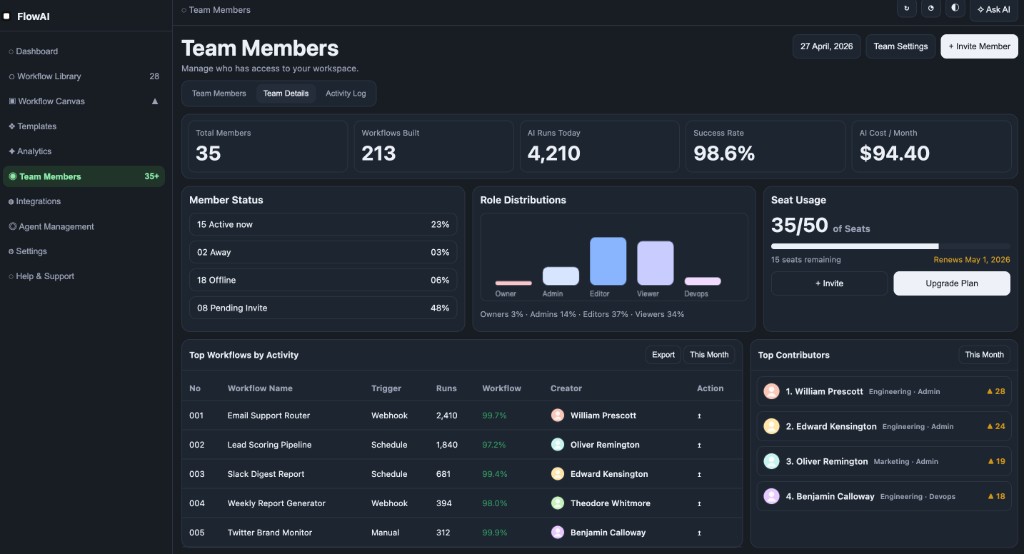 Flow live-dashboard template — a domain-specific KPI template, branded through the active DESIGN.md.
|
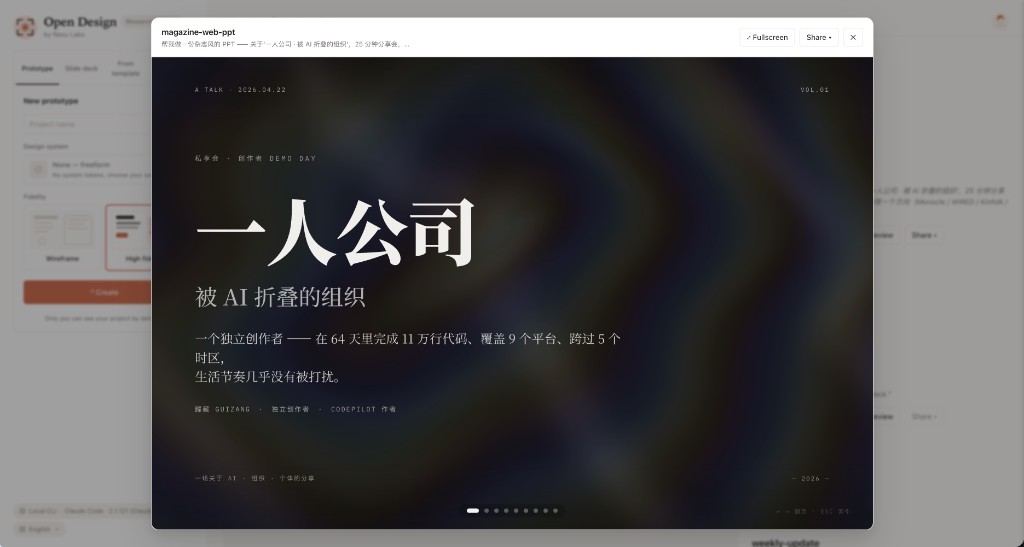 Deck mode (guizang-ppt) — magazine layouts, WebGL hero, P0/P1/P2 checklists. Bundled verbatim from op7418/guizang-ppt-skill with its original license preserved.
|
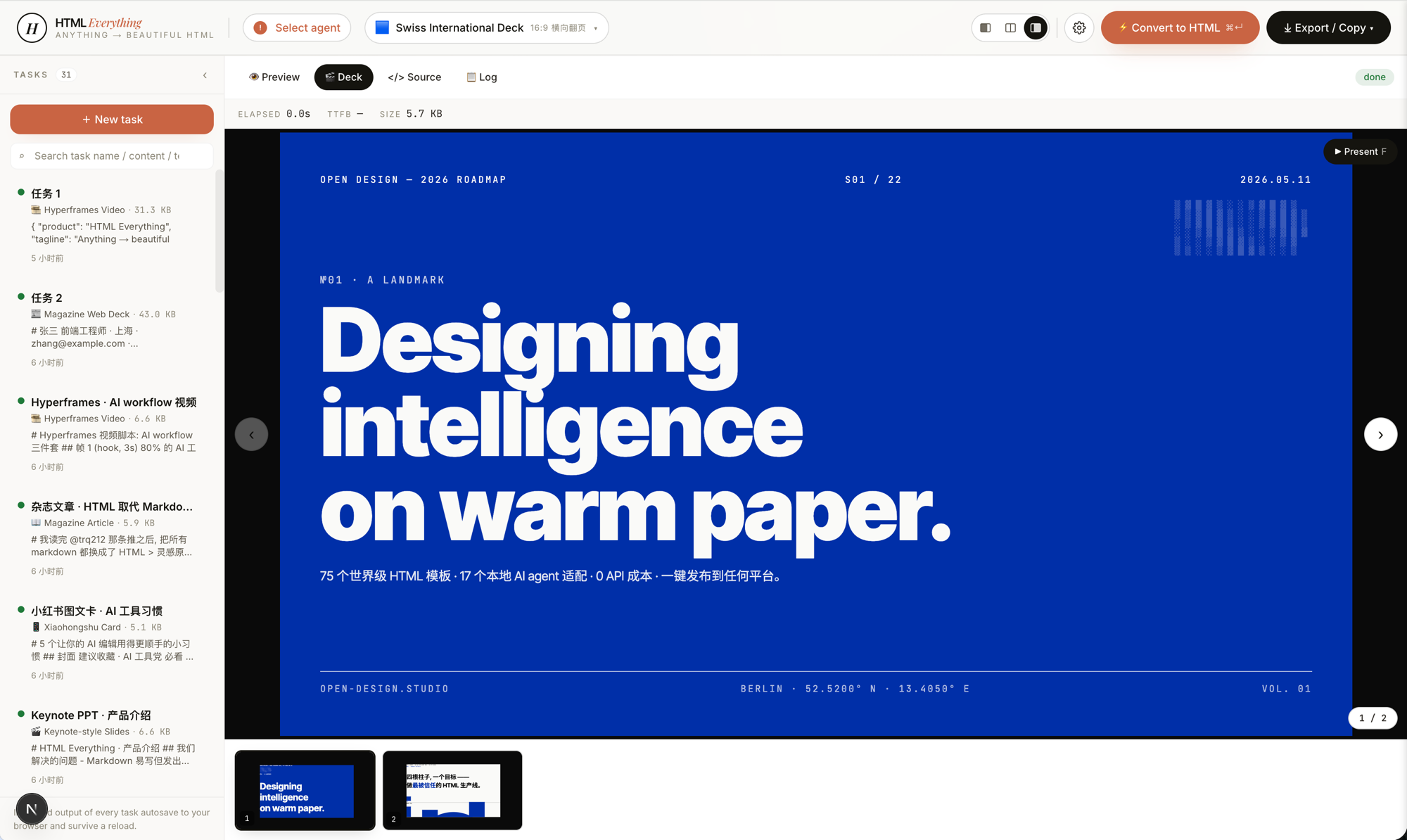 Swiss International-style deck — grid-anchored, monochrome accents. One of 15 deck templates and 36 themes under design-templates/html-ppt-*/.
|
Every deck exports to HTML (single file, inlined assets), PDF (browser print, deck-aware), PPTX (agent-driven skill), ZIP (archive), or Markdown.
gpt-image-2, ImageRouter, custom API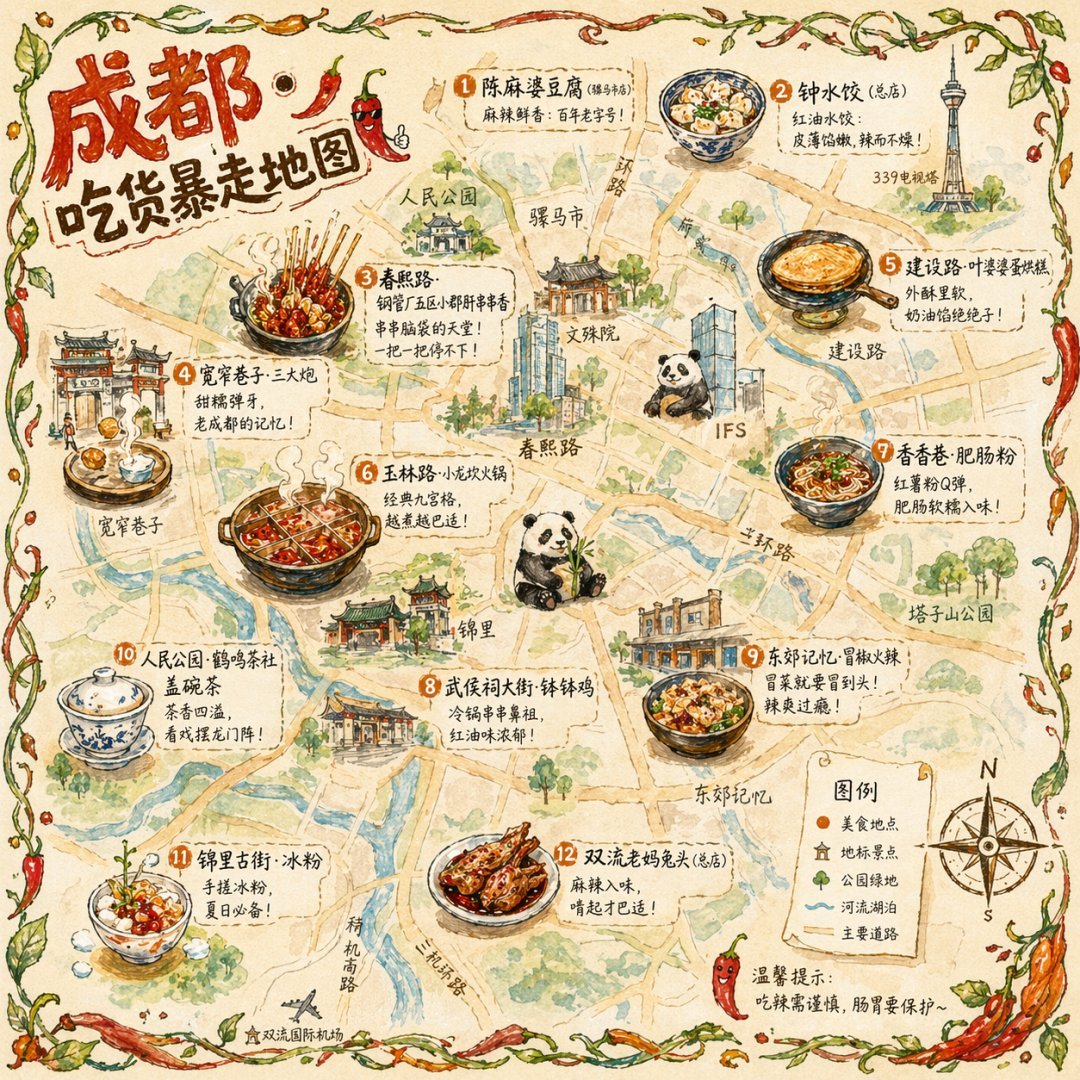 Illustrated city food map Hand-drawn editorial travel poster |
 Cinematic elevator scene Single-frame editorial still |
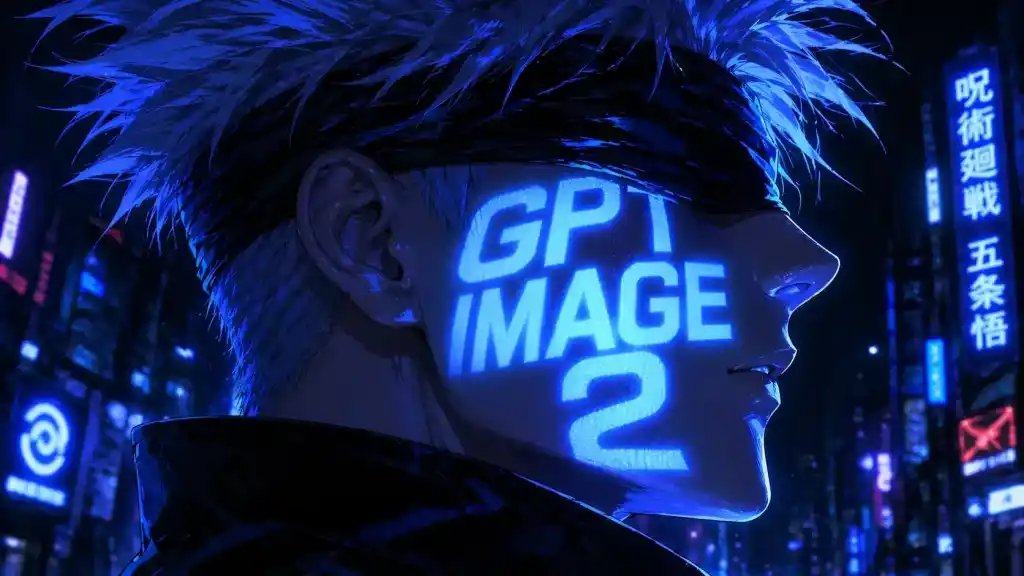 Cyberpunk portrait Profile avatar — neon face text |
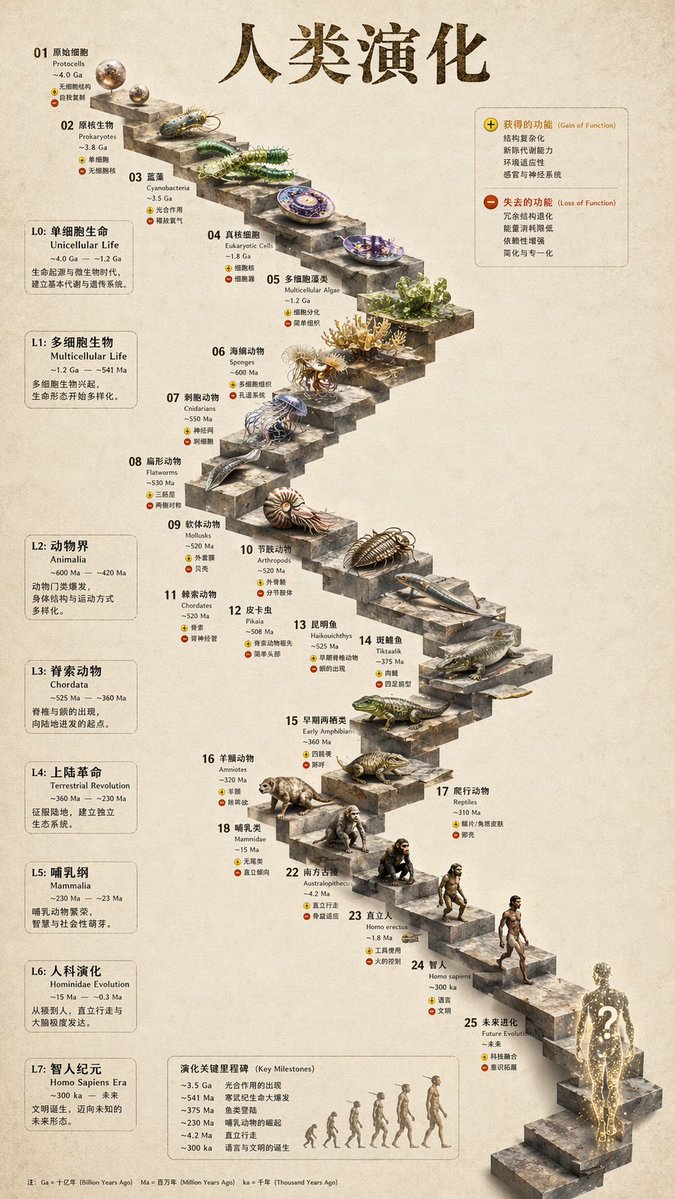 3D stone staircase Hewn-stone infographic |
 Glamorous portrait Editorial studio shot |
93 ready-to-replicate prompts live in prompt-templates/ — preview thumbnails, full prompt body, target model, aspect ratio, and source attribution. One click drops a brief into the composer.
[HyperFrames][hyperframes] is HeyGen's open-source, agent-native video framework, integrated as a first-class citizen in OpenDesign. The agent writes HTML + CSS + GSAP, and HyperFrames renders it to a deterministic MP4 via headless Chrome + FFmpeg. Pair it with Seedance 2.0 for cinematic t2v / i2v, Veo 3 / Sora 2 / Kling 2 for routed model variants, and Suno v5 / Lyria 2 for the audio layer.
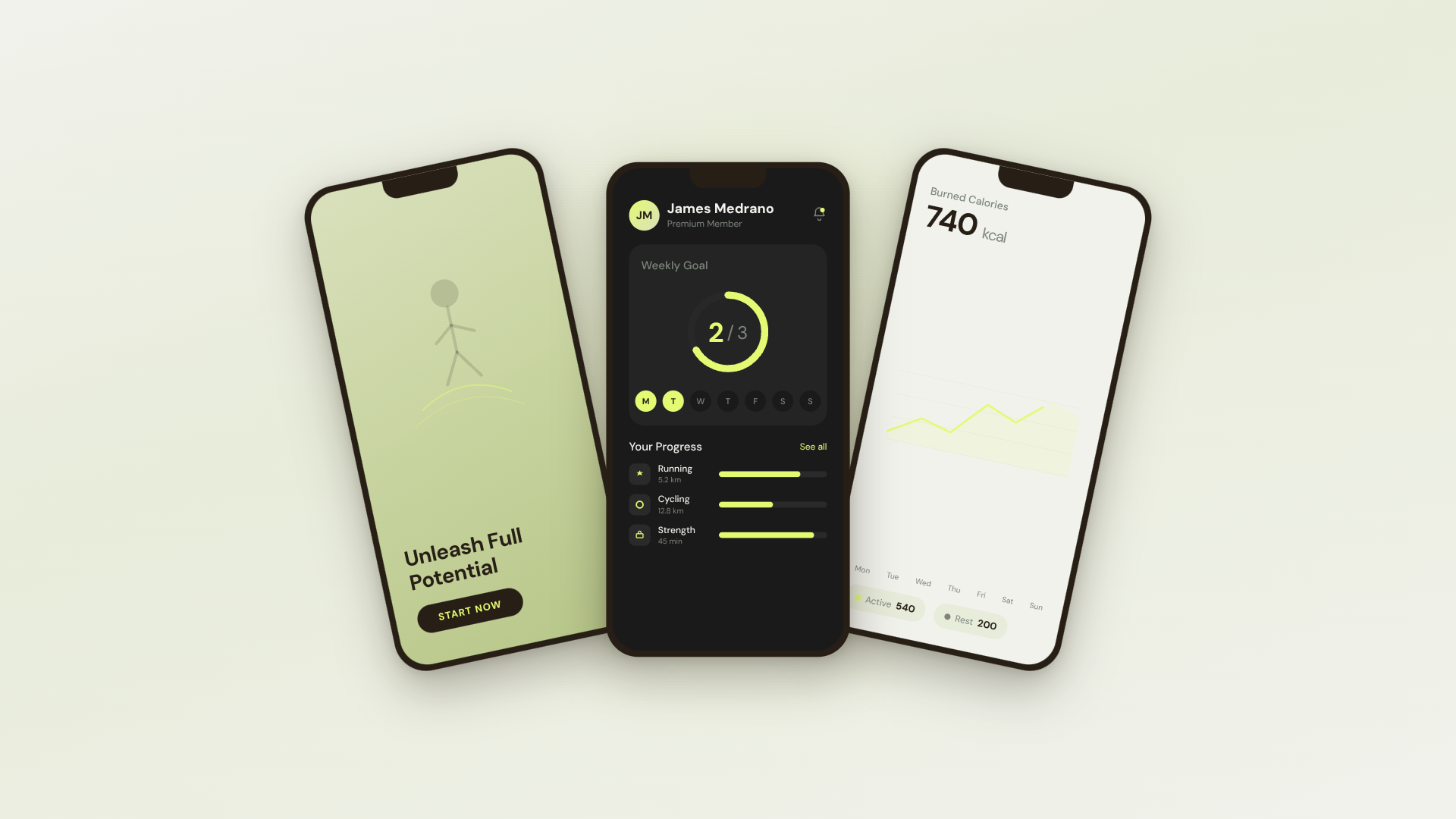 30s SaaS product promo · 16:9 · UI 3D reveals |
 TikTok karaoke talking-head · 9:16 · TTS + word-synced captions |
 30s brand sizzle reel · 16:9 · audio-reactive kinetic type |
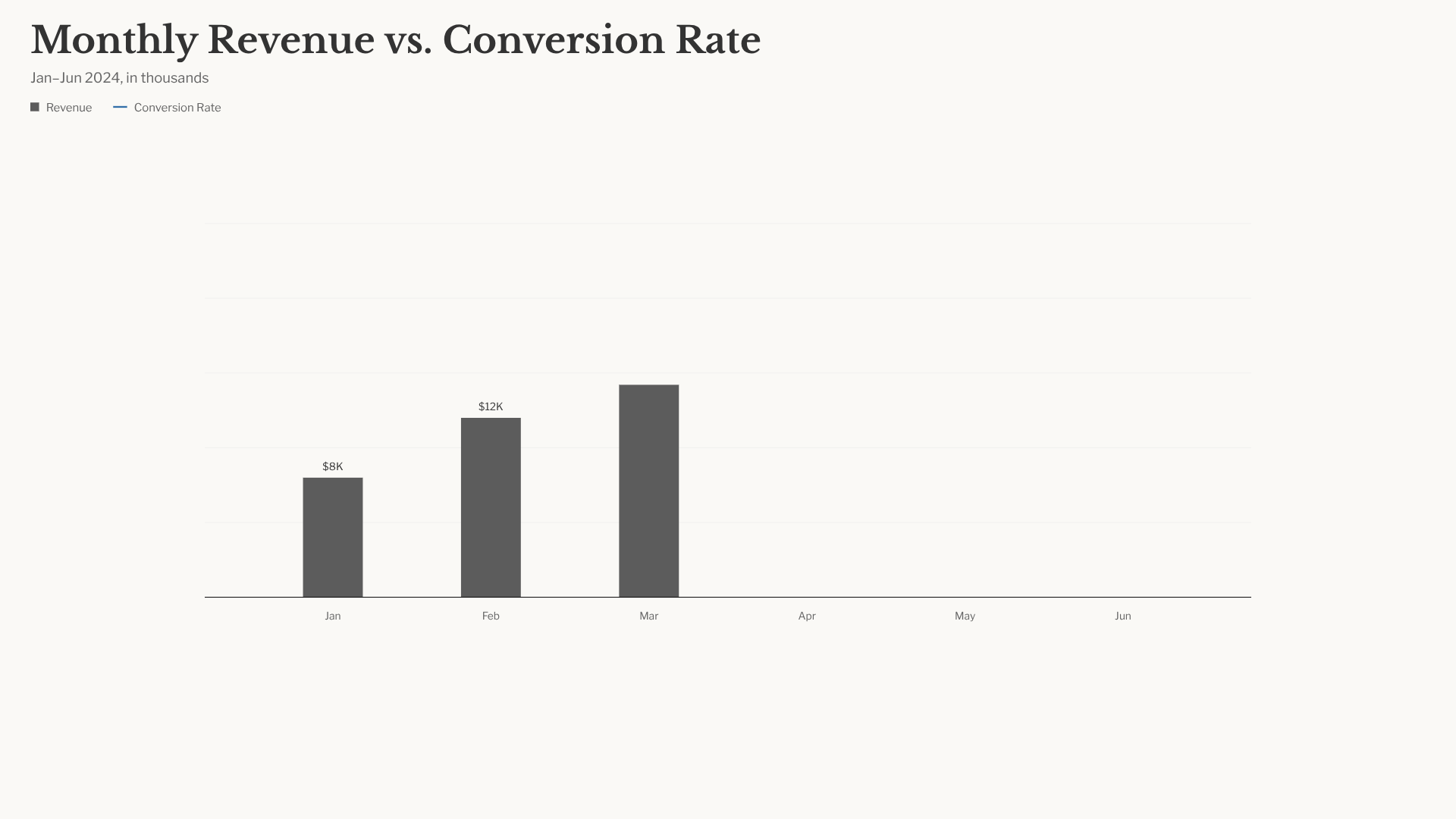 Bar chart race · 16:9 · NYT-style data infographic |
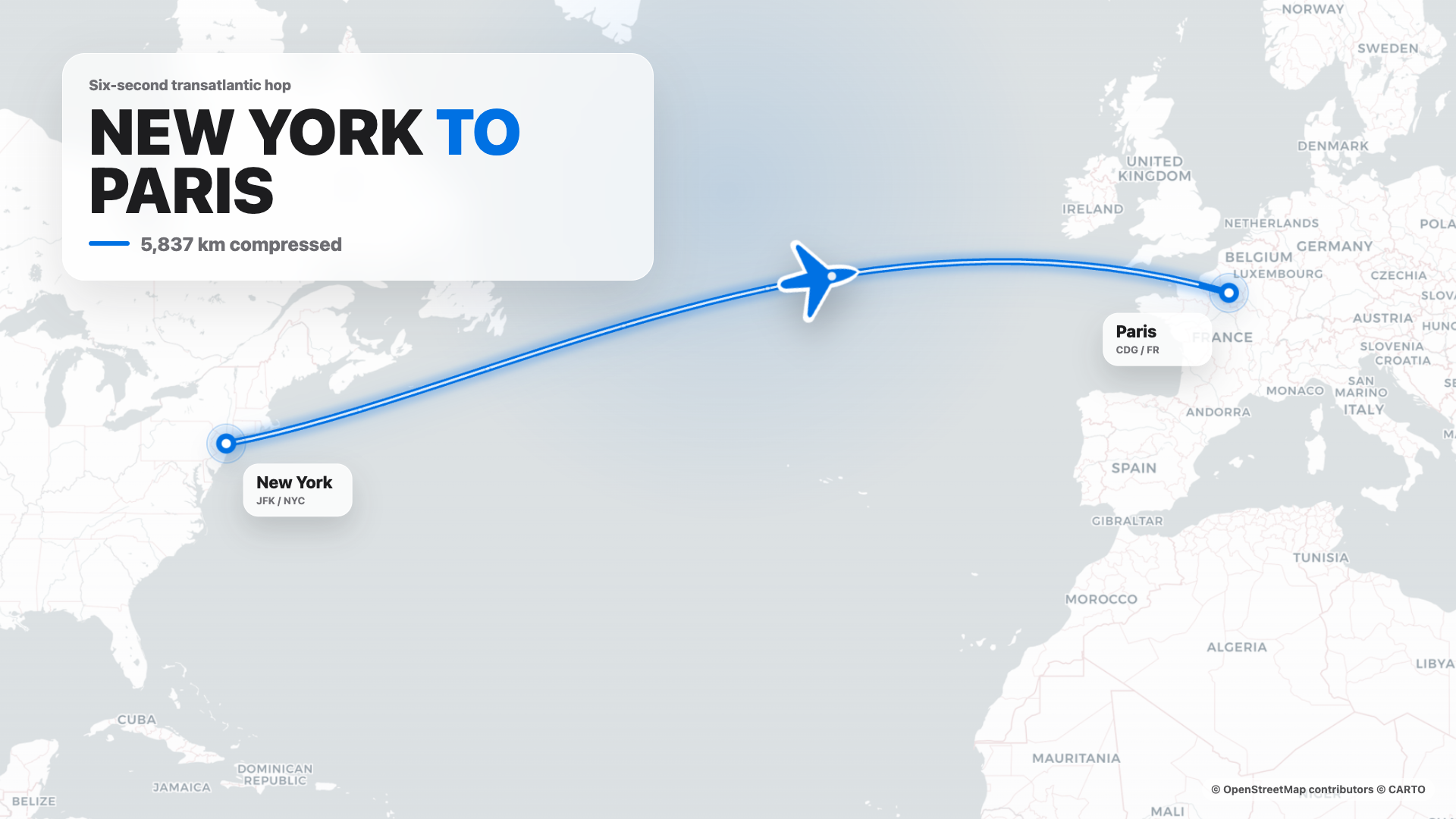 Flight map · 16:9 · Apple-style route reveal |
4s cinematic logo outro · 16:9 · piece-by-piece assembly + bloom |
 $0 → $10K money counter · 9:16 · Apple-style hype |
 Website-to-video · 16:9 · captures the site at 3 viewports |
11 HyperFrames templates + 39 Seedance prompts ship with the repo. Catalog thumbnails © HeyGen; the framework is Apache-2.0. The OD-specific render workflow (composition cache, sandbox-exec workaround, MP4-as-chip) is detailed in design-templates/hyperframes/.
[hyperframes]: https://github.com/heygen-com/hyperframes
---
claude / codex / cursor-agent / copilot / hermes / kimi already on your PATH are the design engine. Swap with one click.DESIGN.md as the core brand contract. 151 design-system packages ship with the repo; legacy packages may be DESIGN.md-only, while newer packages can add manifest.json, tokens.css, components, assets, and provenance. Drop a folder in, the picker finds it.AGENTS.md → Daemon data directory contract. This README MUST NOT restate it.git repo + DESIGN.md to the agent and it refactors your real components to the brand spec.The fastest way to use OpenDesign. No Node, no pnpm, no clone.
PATH, loads 100+ functional skills, the separate rendering-template catalog, and 151 design systems, and lets you type a brief in the entry view.
You can use OpenDesign without ever opening the GUI — call it as a skill, plugin, or MCP server inside Claude Code, Codex, Cursor, Copilot, OpenClaw, Antigravity, Hermes, Kimi, and more.
If you installed the macOS desktop app via the DMG or Homebrew cask, your shell
may still resolve od to Apple's built-in /usr/bin/od octal-dump utility. In
that case, open Settings → MCP server in the desktop app and copy the
client-specific snippet; it uses absolute paths and does not rely on the bare
od command.
# One-line install into the agent you're using:
od mcp install
= claude | codex | reasonix | raven | cursor | copilot | openclaw
| antigravity | pi | vibe | hermes | cline | kimi | kiro
| trae | opencode
Hosted equivalent for curl-based setup:
curl -fsSL https://open-design.ai/install.sh | sh -s
install.sh is a thin shell wrapper around od mcp install; it exists so the
hosted URL returns shell instead of the landing-page HTML fallback and fails
fast if your shell resolves a non-Open-Design od binary.
macOS / WSL2 users: /usr/bin/od is a system octal-dump command and can
shadow OpenDesign's od command. Desktop-app users should prefer the
Settings → MCP server snippet; WSL2 users should follow the
WSL2 setup guide first.Then, inside the agent:
> Use open-design to generate a landing page with the Linear design system
In a filesystem-backed local CLI run, the agent composes the selected functional skill or design template with your DESIGN.md, writes the canonical project files, and OpenDesign previews those files. A BYOK/plain-API run without filesystem tools instead returns one complete `` block.
git clone https://github.com/nexu-io/open-design.git
cd open-design/deploy
cp .env.example .env
echo "OD_API_TOKEN=$(openssl rand -hex 32)" >> .env
docker compose up -d
open http://127.0.0.1:7456
If the browser asks for credentials, use open-design as the username and the
OD_API_TOKEN value from deploy/.env as the password. This keeps Docker bridge
traffic authenticated without requiring host networking. API clients can keep
using Authorization: Bearer <OD_API_TOKEN>.

The Sealos App Store template runs the published OpenDesign Docker image with persistent workspace storage and Basic Auth on the public proxy. For custom public or shared Docker deployments, follow the reverse-proxy and OPEN_DESIGN_ALLOWED_ORIGINS guidance in deploy/README.md.
git clone https://github.com/nexu-io/open-design.git
cd open-design
corepack enable && pnpm install
pnpm tools-dev run web
Open the URL printed by tools-dev; development ports are allocated dynamically unless you pass explicit port flags.
Node ~24, pnpm 10.33.x. WSL2 users, see docs/wsl-setup.md; native Windo
→ →
 →
 →
 →
 →
 →
 →