leejet/stable-diffusion.cpp is an open-source project on GitHub, mainly written in C++. Diffusion model(SD,Flux,Wan,Qwen Image,Z-Image,...) inference in pure C/C++ It currently holds 7,936 stars and 941 forks with 271 open issues, and was last pushed on 2026-11-08 (repository created 2023-08-13).
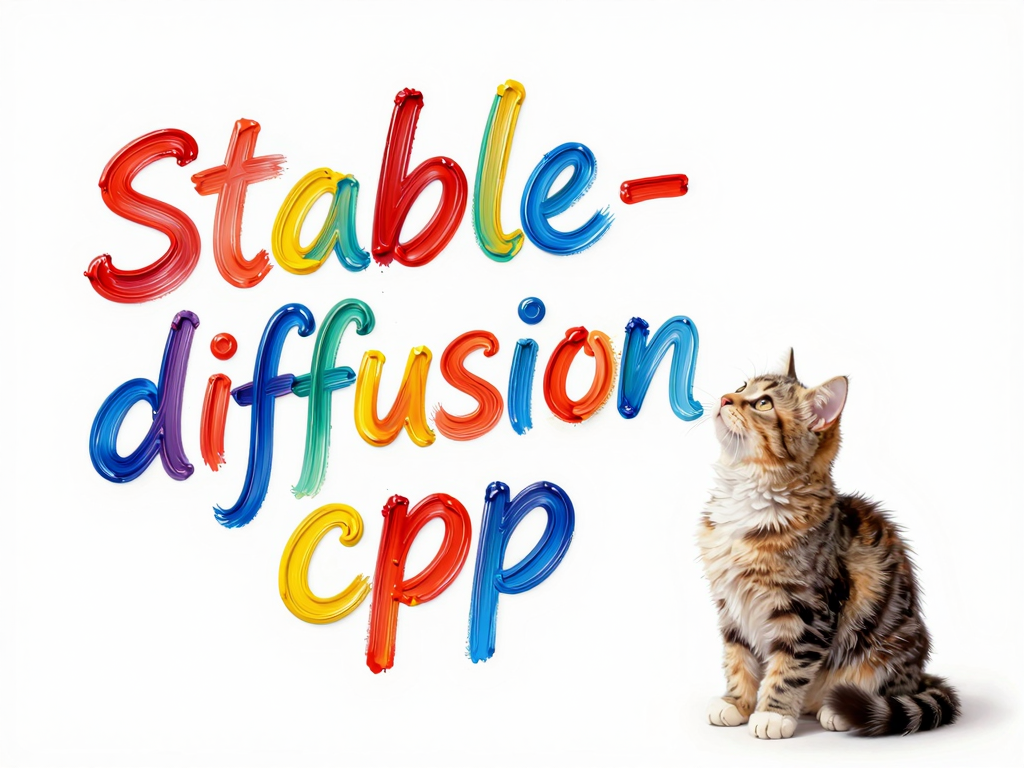
stable-diffusion.cpp
Diffusion model(SD,Flux,Wan,...) inference in pure C/C++
*Note that this project is under active development. \
API and command-line option may change frequently.*
🔥Important News
- 2026/11/11 🚀 stable-diffusion.cpp adds Day-0 support for MiniMax-H3-Image
- 2026/10/16 🚀 stable-diffusion.cpp adds Day-0 support for MOSS-Image-Base / MOSS-Image-SFT
- 2026/10/16 🚀 stable-diffusion.cpp adds Day-0 support for FLUX.3 Image Klein / Klein Base
- 2026/09/20 🚀 stable-diffusion.cpp adds Day-0 support for Qwen-Image-2.1
- 2026/08/20 🚀 stable-diffusion.cpp now supports LTX-2.5
- 2026/08/04 🚀 stable-diffusion.cpp adds Day-1 support for MiniMax-H3
- 2026/06/25 🚀 stable-diffusion.cpp now supports Krea2
- 2026/06/04 🚀 stable-diffusion.cpp now supports Ideogram4
- 2026/05/31 🚀 stable-diffusion.cpp now supports PiD
- 2026/05/27 🚀 stable-diffusion.cpp now supports Lens
- 2026/05/17 🚀 stable-diffusion.cpp now supports LTX-2.3
- 2026/04/11 🚀 stable-diffusion.cpp now uses a brand-new embedded web UI.
- 2026/01/18 🚀 stable-diffusion.cpp now supports FLUX.2-klein
- 2025/12/01 🚀 stable-diffusion.cpp now supports Z-Image
- 2025/11/30 🚀 stable-diffusion.cpp now supports FLUX.2-dev
- 2025/10/13 🚀 stable-diffusion.cpp now supports Qwen-Image-Edit / Qwen-Image-Edit 2509
- 2025/10/12 🚀 stable-diffusion.cpp now supports Qwen-Image
- 2025/09/14 🚀 stable-diffusion.cpp now supports Wan2.1 Vace
- 2025/09/06 🚀 stable-diffusion.cpp now supports Wan2.1 / Wan2.2
Features
- Plain C/C++ implementation based on ggml, working in the same way as llama.cpp
- Super lightweight and without external dependencies
- Built-in Web UI for image and video generation
- Supported models
- Image Models
- SD1.x, SD2.x, SD-Turbo
- SDXL, SDXL-Turbo
- Some SD1.x and SDXL distilled models
- SD3/SD3.5
- FLUX.1-dev/FLUX.1-schnell
- FLUX.2-dev/FLUX.2-klein
- FLUX.3 Image Klein / Klein Base
- MOSS-Image-Base / MOSS-Image-SFT
- Fibo 2.0 Dev
- Lens
- Chroma
- Chroma1-Radiance
- Qwen Image
- Qwen Image 2.1
- PiD
- LongCat Image
- Z-Image
- Z-Image L2P
- MiniT2I
- P-H3-Image
- MiniMax-H3-Image
- SenseNova U1.5
- Ovis-Image
- Anima
- ERNIE-Image
- Boogu Image
- Krea2
- Mage-Flow
- SeFi-Image
- HiDream-O1-Image
- Ideogram4
- LLaDA-Image
- Ming-Image Design
- PixArt
- Iris-3B
- Image Edit Models
- FLUX.1-Kontext-dev
- Qwen Image Edit series
- LongCat Image Edit
- Boogu Image Edit
- Mage-Flow-Edit
- LLaDA-Image Edit
- Fibo 2.0 Dev / Edit Turbo
- Video Models
- Wan2.1/Wan2.2
- MiniMax-H3
- LTX-2.3/LTX-2.5
- HunyuanVideo 1.5
- LingBot-Video
- Video Upscale Models
- RelayVSR
- SeedVR2
- PhotoMaker support.
- IP-Adapter support (SD 1.5 and SDXL, including Plus)
- Control Net support with SD 1.5
- ADetailer
- LoRA support, same as stable-diffusion-webui
- Latent Consistency Models support (LCM/LCM-LoRA)
- Faster and memory efficient latent decoding with TAESD
- Upscale images generated with ESRGAN
- Supported backends
- CPU (AVX, AVX2 and AVX512 support for x86 architectures)
- CUDA
- Vulkan
- Metal
- OpenCL
- SYCL
- Supported weight formats
- Pytorch checkpoint (
.ckpt or .pth or .pt)
- Safetensors (
.safetensors)
- GGUF (
.gguf)
- Convert mode supports converting model weights to
.gguf or .safetensors
- Supported platforms
- Linux
- Mac OS
- Windows
- Android (via Termux, Local Diffusion)
- Flash Attention for memory usage optimization
- Negative prompt
- stable-diffusion-webui style tokenizer (not all the features, only token weighting for now)
- VAE tiling processing for reduce memory usage
- Support for a wide range of sampling methods and schedulers
- Cross-platform reproducibility
--rng cuda, default, consistent with the stable-diffusion-webui GPU RNG--rng cpu, consistent with the comfyui RNG- Embedds generation parameters into png output as webui-compatible text string
Quick Start
Get the executables
The executable examples below run from the build directory (
cd build from
the repository root). Windows examples use the Visual Studio Release path;
adjust the executable path for other build configurations or extracted archives.
Model files stay under the repository's
models/ directory.
Download model weights
Choose a model from the model guides and download its
weights and required components. For a simple example, save Stable Diffusion 1.5
under models/checkpoints/:
Windows (PowerShell)
New-Item -ItemType Directory -Force ..\models\checkpoints | Out-Null
curl.exe -L -o ..\models\checkpoints\v1-5-pruned-emaonly.safetensors https://huggingface.co/stable-diffusion-v1-5/stable-diffusion-v1-5/resolve/main/v1-5-pruned-emaonly.safetensors
Linux/macOS
mkdir -p ../models/checkpoints
curl -L -o ../models/checkpoints/v1-5-pruned-emaonly.safetensors https://huggingface.co/stable-diffusion-v1-5/stable-diffusion-v1-5/resolve/main/v1-5-pruned-emaonly.safetensors
Option 1: Web UI
Start the server:
Windows (PowerShell)
.\bin\Release\sd-server.exe --model-dir ..\models
Linux/macOS
./bin/sd-server --model-dir ../models
Open , choose SD 1.x in Recipe, select the
checkpoint, and click Load models. Enter a prompt and click Generate.
See the Web UI guide for the full workflow.
Option 2: CLI
Generate an image with one command:
Windows (PowerShell)
.\bin\Release\sd-cli.exe -m ..\models\checkpoints\v1-5-pruned-emaonly.safetensors -p "a lovely cat"
Linux/macOS
./bin/sd-cli -m ../models/checkpoints/v1-5-pruned-emaonly.safetensors -p "a lovely cat"
Run .\bin\Release\sd-cli.exe --help on Windows or ./bin/sd-cli --help on
Linux/macOS for all command-line options. See the
CLI guide for additional usage notes.
Performance
If you want to improve performance or reduce VRAM/RAM usage, please refer to performance guide.
For runtime and parameter backend placement, see the backend selection guide.
Documentation
Browse the documentation index or jump to a topic:
Contributors
Thank you to all the people who have already contributed to stable-diffusion.cpp!

 →

 →
 →
 →
 →
 →
 →
 →