1
 →
→
A rootless Android app that boots Alpine Linux: run containers (Podman/Docker/LXC) and GUI desktop apps.
ExTV/Podroid is an open-source project on GitHub, mainly written in Kotlin. A rootless Android app that boots Alpine Linux: run containers (Podman/Docker/LXC) and GUI desktop apps. It currently holds 2,887 stars and 185 forks with 0 open issues, and was last pushed on an unknown date (repository created unknown).
Git Homed tracks it on the Today's Trending board.
Run Linux containers and a full Linux desktop on your Android phone. No root.
A real Alpine Linux VM with its own kernel - not a chroot or proot trick - so Podman, Docker and LXC behave exactly like they do on a server.






Website · Documentation · Download APK
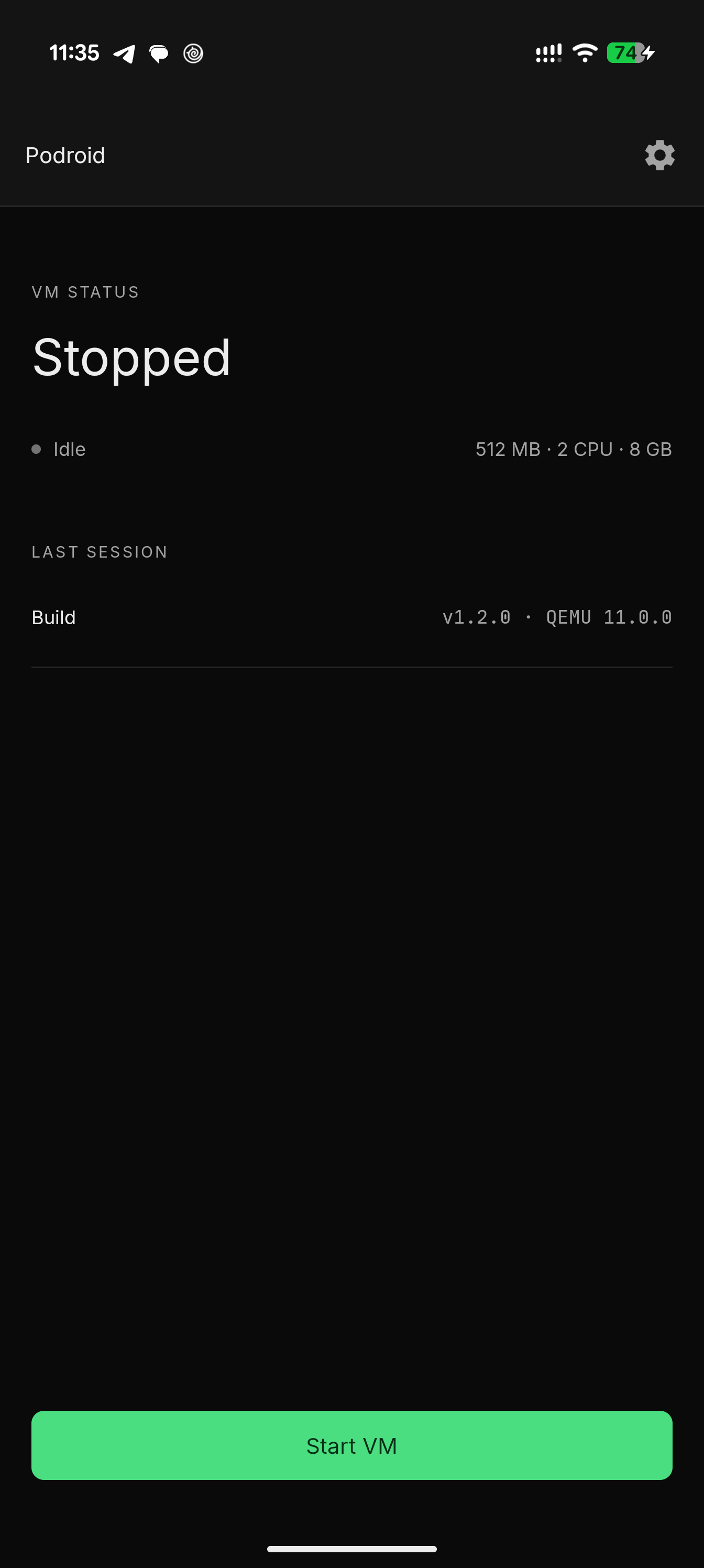 Home |
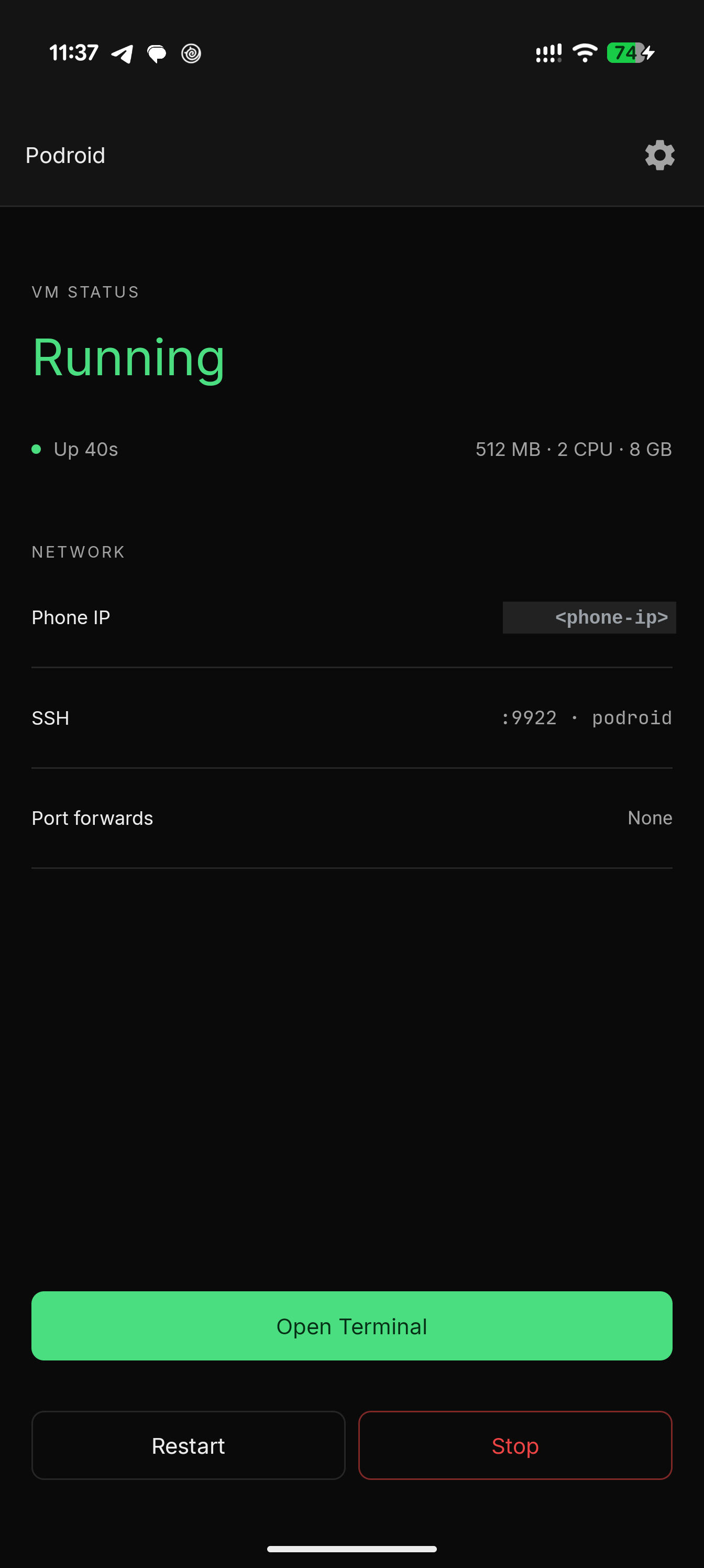 Running |
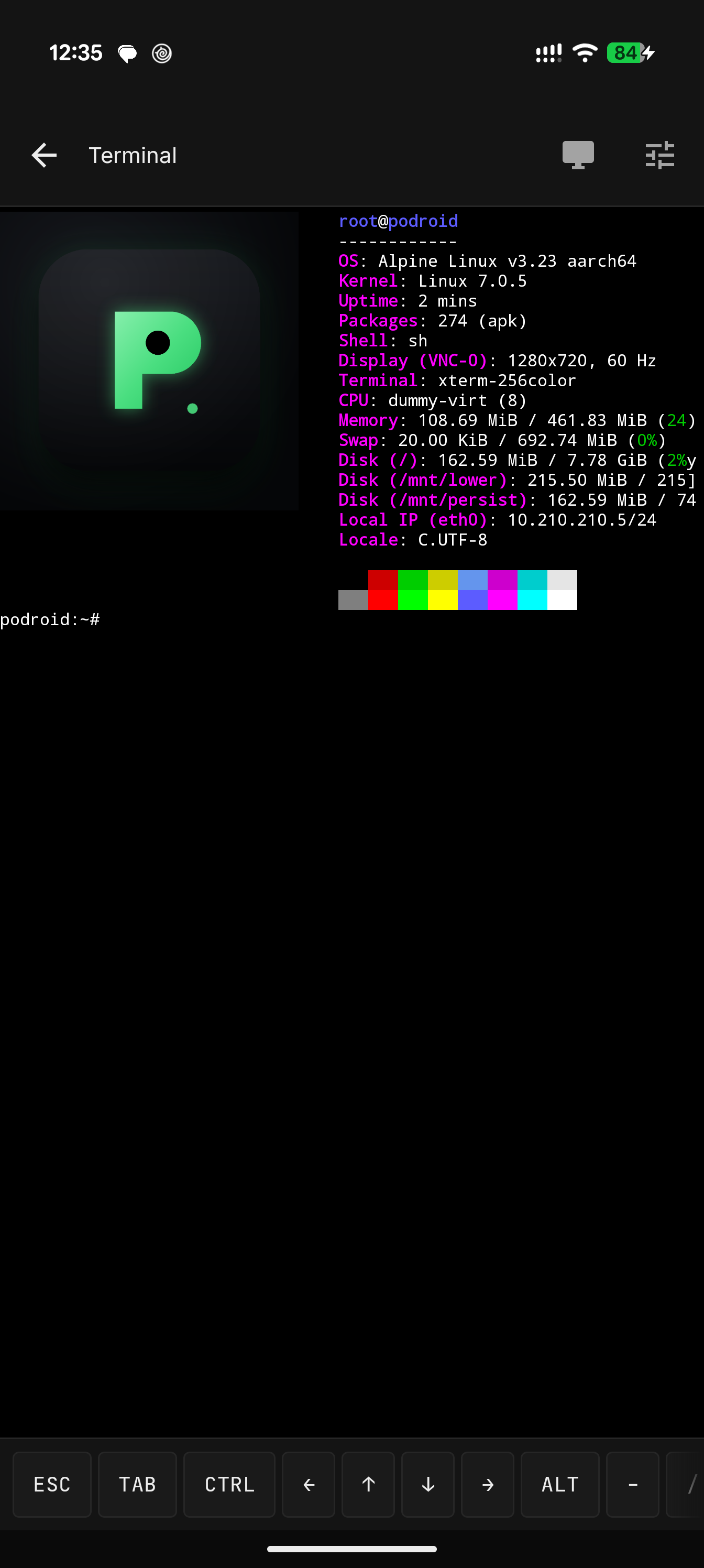 Terminal |
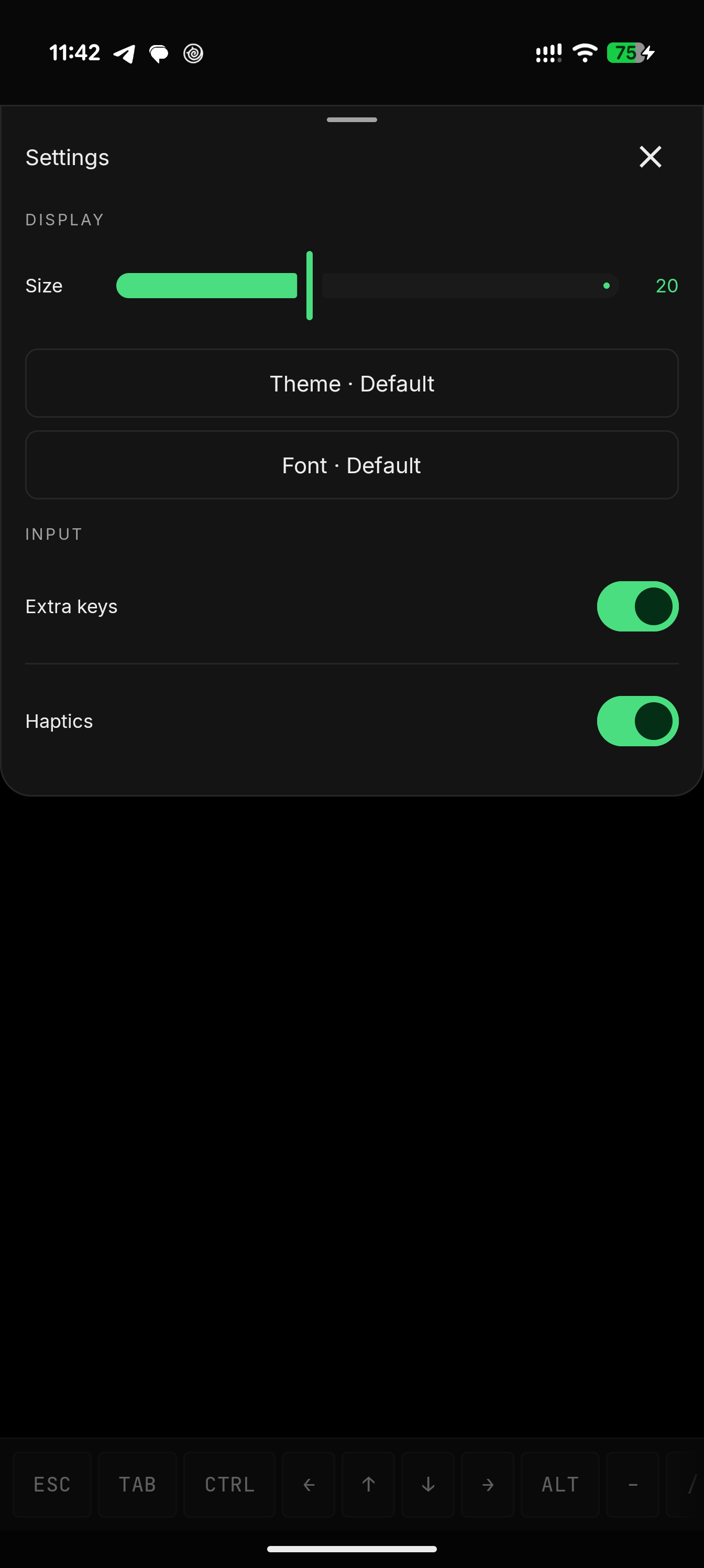 Themes & fonts |
1. Download the APK and install it. 2. Tap Start VM, wait for Ready!, open the terminal.
# rootless containers, straight away
podman run --rm alpine echo "hello from a container"
docker run -d -p 8080:80 nginx
expose that container to your phone and LAN, right from the VM shell
podroid-forward add 8080 8080 tcp     # TCP or UDP, on both the QEMU and AVF backends
curl http://:8080
podroid-forward clean                 # remove every rule you added, in one go
SSH in from your laptop (enable SSH in the setup wizard or Settings)
ssh root@ -p 9922        # password: podroid
Setup, the two backends, networking, the X11 viewer and troubleshooting all live in the documentation.
git clone https://github.com/ExTV/Podroid.git
cd Podroid
./build-all.sh all     # kernel, rootfs, QEMU and APK (needs Docker + Android SDK/NDK)
Per-component builds and toolchain details: CONTRIBUTING.md.
Contributions of every size are welcome: bug reports, kernel-config tweaks, new themes, UI polish, X11 input fixes, anything.
./build-all.sh test before pushing, and explain why in the PR description.RikkaHub Agent is a fork of RikkaHub, the native Android LLM chat client, that turns it into a real on-device agent: 80+ device tools, scheduled jobs, an AI-driven browser, a Linux workspace, SSH, screen automation and a remote Telegram bot, all opt-in. Its SSH tool can log into a running Podroid VM (localhost:9922), so an agent on your phone can build, run and inspect containers without you typing a command.
| | | |---|---| | QEMU | Machine emulation | | Termux | Terminal emulator engine | | Alpine Linux | The guest distribution |
Full list in CREDITS.md.
GPLv2. If Podroid is useful to you, a star helps other people find it.
→ →
→ →
→ →
→ →
→ →
→ →
→ →
→